
 Join our Discord
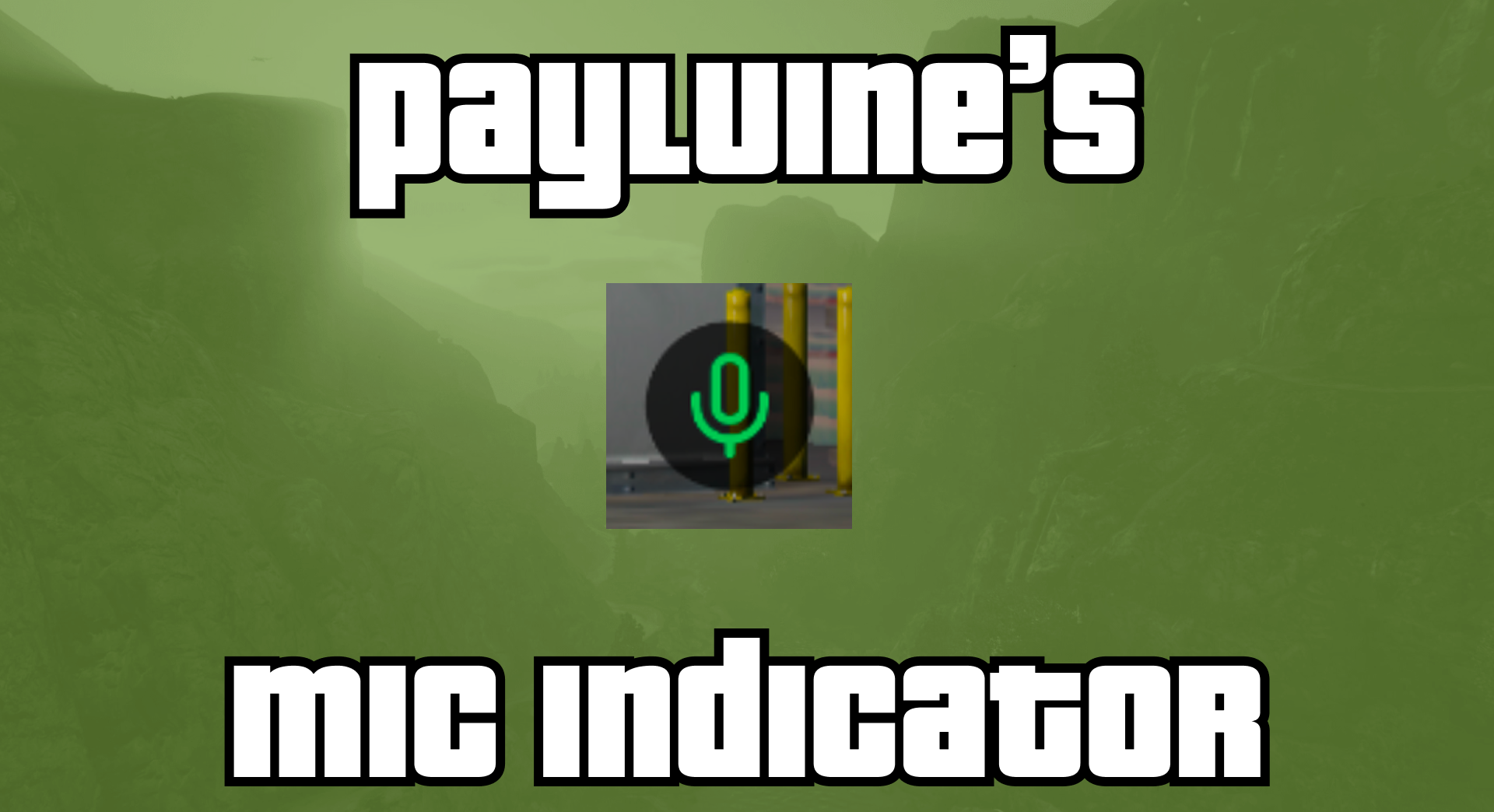
Mic Indicator — Feature Overview
A FiveM resource that displays a green microphone icon above any player's head while they are talking through voice chat. Configurable icon height via config.json.
Video Preview
Overview
Voice indicator: A green microphone icon appears above a player's head whenever they are transmitting through voice chat.
3D world rendering: The icon is drawn directly in the game world — no NUI or HTML overlay. Visible from any camera angle and scales naturally with distance.
Configurable height: The vertical offset above the player's head is adjustable in
config.json.Lightweight: Single tick loop with distance culling. No overhead for players outside the draw distance (50 m).
No permissions required: Works for all players automatically.
No framework dependencies: Standalone resource — works on any FiveM server.
Configuration
The resource creates a config.json file on first run with default values. Edit this file to customize behaviour.
| Setting | Type | Default | Description |
|---|---|---|---|
yOffset | number | 1.0 | Vertical offset above the player's position in game units. Increase to raise the icon higher above the head. |
Example (config.json):
{
  "yOffset": 1.0
}
How It Works
The resource detects when any nearby player is talking through voice chat.
A green microphone icon is drawn above that player's head in the 3D game world.
The icon is only rendered for players within 50 m to keep performance overhead minimal.
The icon position is the player's position plus the configured
yOffset, placing it just above their head.
Summary
Voice indicator: Green mic icon above talking players' heads.
3D world rendering: Drawn directly in the game world — no NUI or overlays.
Configurable:
yOffsetinconfig.jsoncontrols icon height.Lightweight: Distance-culled with no overhead for distant players.
No dependencies: Works on any FiveM server without frameworks.
A simple, standalone voice indicator resource for FiveM servers.